 EasyFilm
CacheCut
Reclaim the space your creative apps hide — one click, nothing else touched.
Requires macOS · Universal, Apple silicon and Intel
Ever had a render or export fail because your SSD was mysteriously out of space?

How it works
Reclaim the space your creative apps quietly eat
DaVinci Resolve, Premiere Pro, After Effects, Final Cut Pro, Photoshop, Lightroom and Capture One all leave gigabytes of cache and render files behind — usually on your system drive.
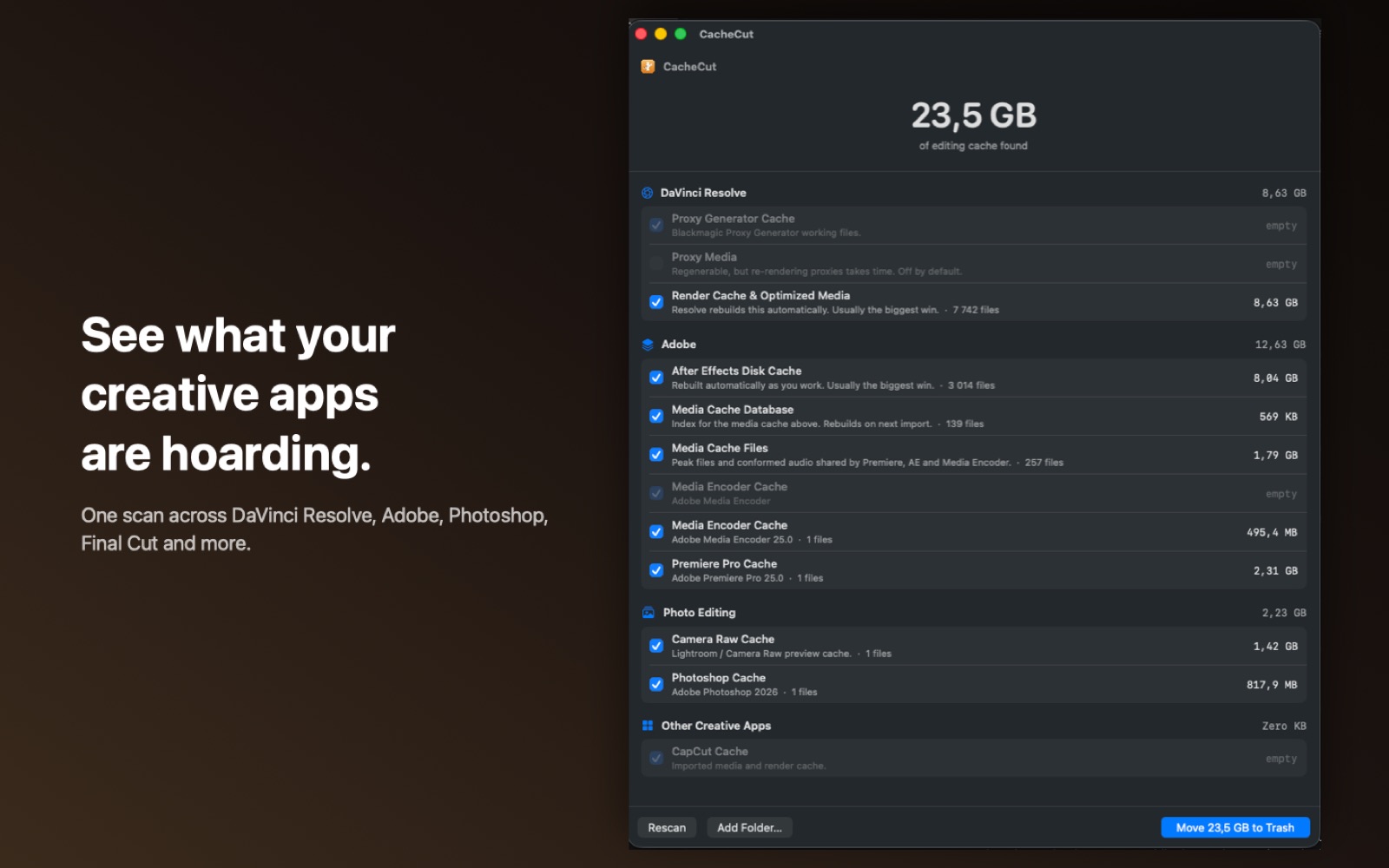
See what your creative apps are hoarding.
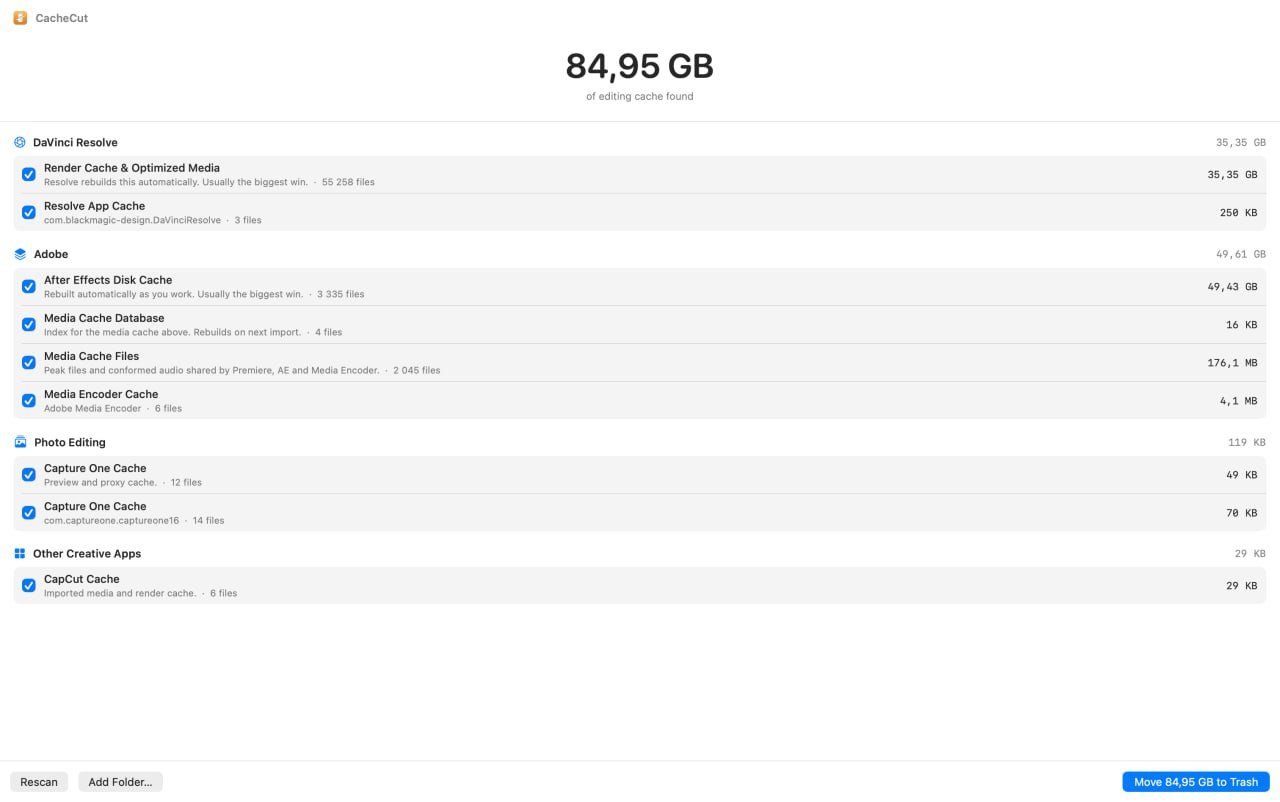
One scan checks DaVinci Resolve's render cache and optimized media, the Adobe media cache shared by Premiere, After Effects and Media Encoder, Photoshop and Lightroom's Camera Raw cache, Capture One, and more.
Resolve's cache location is read straight from its own settings, so CacheCut finds it even when it lives on a separate scratch drive.
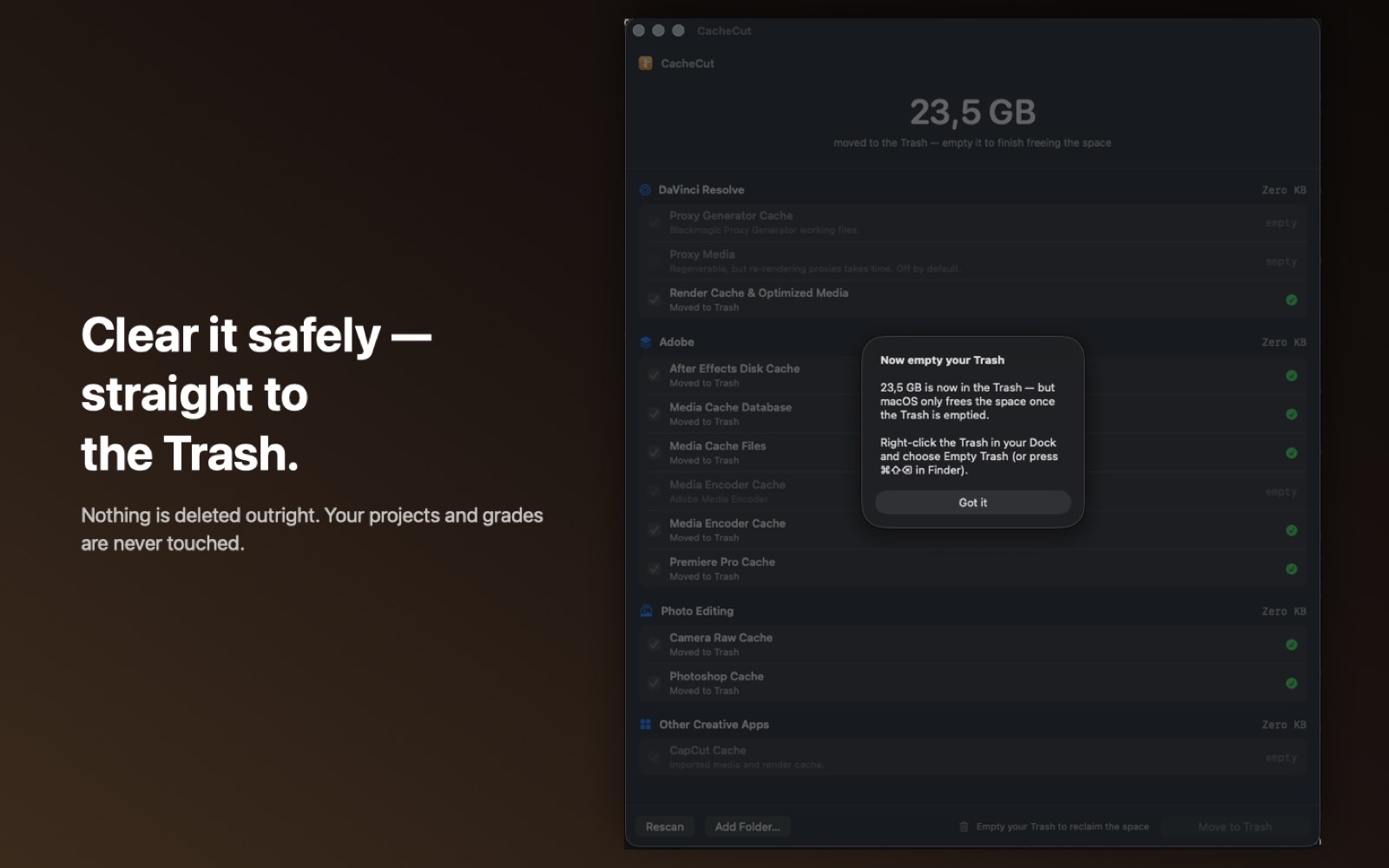
Clear it safely — straight to the Trash.
Nothing is deleted outright. Every cache CacheCut clears moves to the Trash until you empty it yourself.
Your projects, grades, and gallery stills are never touched — CacheCut only ever targets known cache locations, and if the owning app is still open, it brings that app to the front so you can quit it first instead of clearing underneath it.
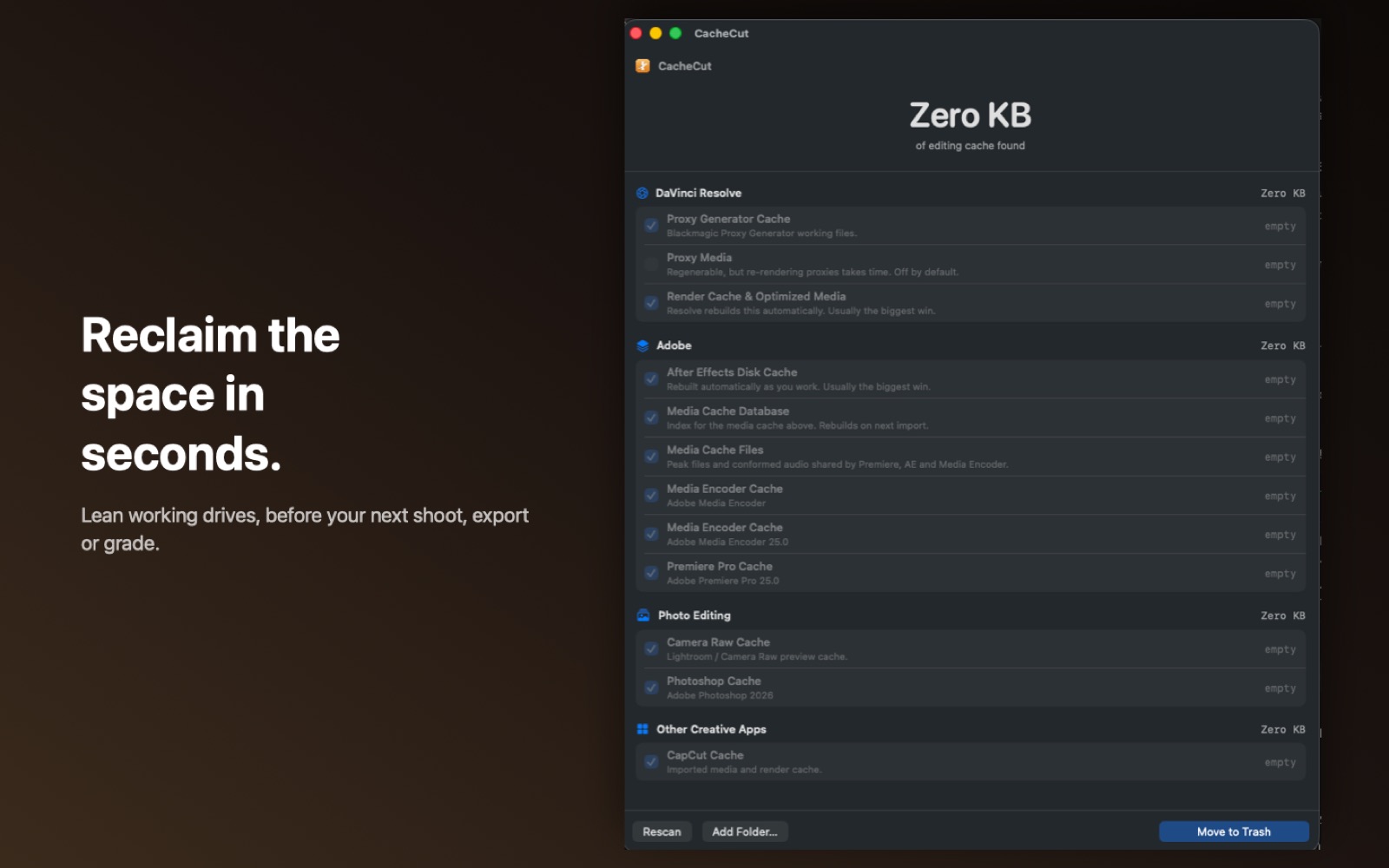
Reclaim the space in seconds.
Rescan anytime to confirm it's clear, or add your own folders — if you keep cache on an external SSD, point CacheCut at it and it scans that too.
Completely private: no account, no network, no analytics. Every scan and every cleanup happens entirely on your Mac.
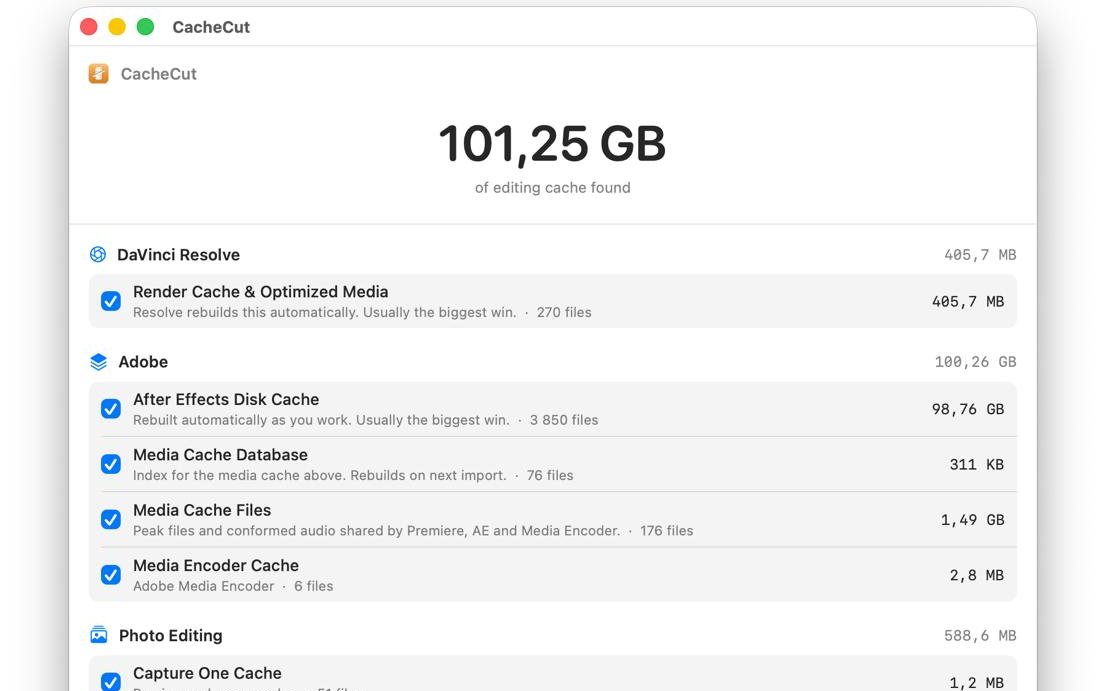
What people are finding
First scans users sent me — 101 GB and 85 GB of cache sitting on their actual Macs without knowing it. One click and it all goes to the Trash. How cool is that?
What people are saying
5.0 out of 5, from real Mac App Store reviews.
CacheCut saves me gigabytes before every shoot
As a DP and producer running Resolve, Premiere, and After Effects constantly, my SSDs fill up fast with cache and render files. CacheCut finds everything the apps leave behind and shows you exactly what you're getting back — no surprises, no deleted project files. One click and I've freed up 50–200GB depending on the project. The safety design is what sold me: everything goes to Trash first, so if something breaks, you can undo it.
Freeing up space instantly
Honestly didn't expect to find so much hidden clutter on my drive, but CacheCut instantly cleared out over 100 GB of cache right away. The app runs smoothly, stable, and does exactly what it promises. Extremely satisfied with it!
Super useful for video editors
I use a lot of software like Davinci, Premiere Pro, Photoshop and other creative apps, so I end up with tons of cache files that are difficult to manage and clean manually. CacheCut makes it much easier to find and remove unnecessary cache files and free up storage. A really useful tool for my editing workflow. Highly recommend!
Great and easy to use
This application quickly finds cache files and shows their belonging to a particular program — DaVinci, Lightroom, Premiere — and allows you to delete cache files and free up space in a couple of clicks! I recommend it!
−85 GB
Great app! Cleared almost 85 GB of cache in just a couple of seconds — amazingly fast, convenient, and completely hassle-free. A total must-have for anyone working with video editing and graphics. Big thanks to the developer!
Love it, works perfectly
I really like it! I use DaVinci Resolve and Lightroom. This program helps me quickly delete unnecessary cache files and free up valuable space on my MacBook. I highly recommend it!
It works
Works great! My computer got a lot lighter after using this program. Highly recommend it!
Exactly what I was looking for
Now I don't have to waste time clearing cache manually, a great quality-of-life app. Everything works simply and smoothly!
Questions about CacheCut
Does CacheCut delete my files, or just cache?
Only cache. CacheCut targets known cache and render-file locations for the apps it supports — your projects, grades and gallery stills are never touched, and nothing is deleted outright: everything moves to the Trash first.
Which apps does CacheCut support?
DaVinci Resolve, Premiere Pro, After Effects, Media Encoder, Audition, Photoshop, Lightroom, Camera Raw, Capture One, Final Cut Pro, Motion and Compressor — plus any folder you add yourself.
Is it safe to run while I'm editing?
Yes, but CacheCut won't clear a cache while its owning app is open — it brings that app to the front instead, so you can quit it first rather than clearing underneath a running session.
Does CacheCut need full-disk access?
It asks permission to read the folder you point it at — typically your startup disk — and that access is used only to locate and measure cache files.
Is my data private?
Completely. No account, no network connections, no analytics, no third-party SDKs. Every scan and cleanup happens entirely on your Mac. Full details in the privacy policy.
Can I undo a cleanup?
Yes — until you empty the Trash. Everything CacheCut clears moves there first, never removed outright, so anything is one "Put Back" away.
What if my cache lives on an external drive?
Use Add Folder to point CacheCut at any location — an external SSD, a scratch drive, wherever your apps are configured to cache to — and it scans that too.
Can I get a refund?
Purchases go through the Mac App Store, so refunds are handled by Apple, not by us directly — request one at reportaproblem.apple.com.
Want the manual way too?
How to clear DaVinci Resolve's cache on a Mac · Where After Effects hides its disk cache, and how to empty it

I use a lot of software in post-production — DaVinci, After Effects, Photoshop and more. And I always forget to clean the cache until I run out of space on my system drive. Then I have to go into the apps one by one, hunting for that magic button that clears it.
So I decided to save my time and built an app that does it in one click — that simple. I know I'm not the only one who wished for this, so I'm sharing CacheCut with the public for the price of a glass of beer. I think I deserve one after saving you so much time 🙂
— Sergiy